Hub: Channels Settings
Channels are lightweight tags that let you classify delivery methods. They are reserved for future use. Channels require an Advanced or Enterprise subscription.
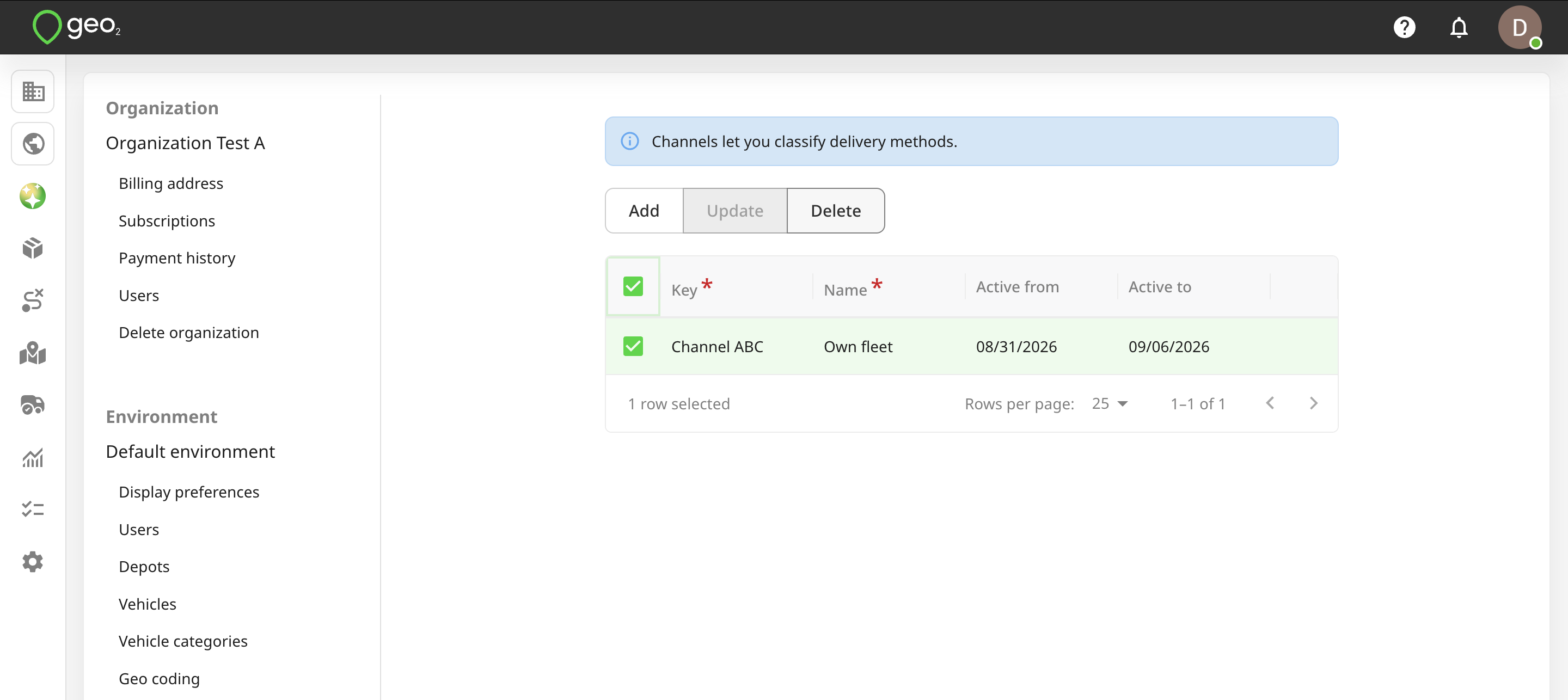
To add a channel, press the Add button in Settings → Environment → Channels in Hub.
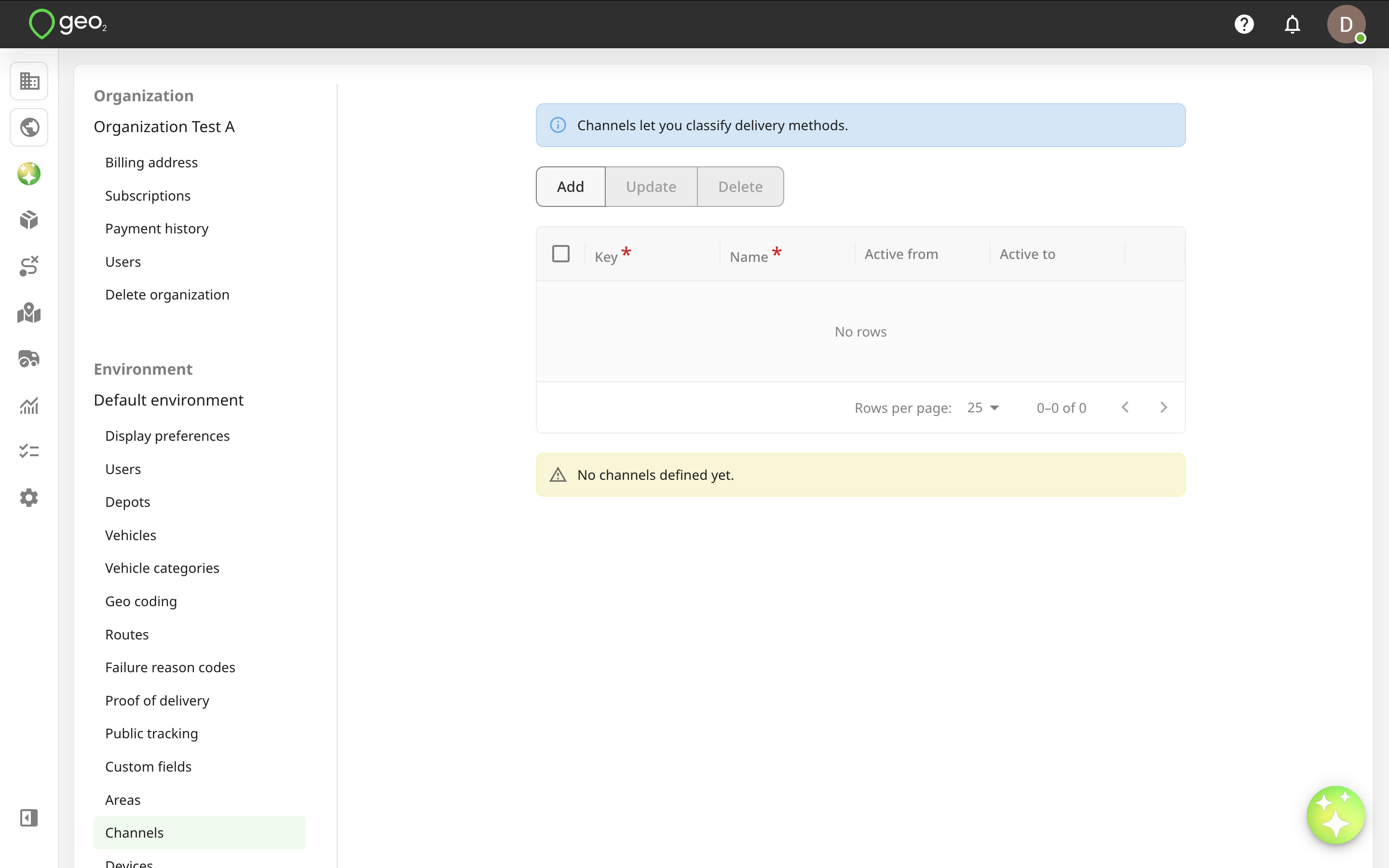
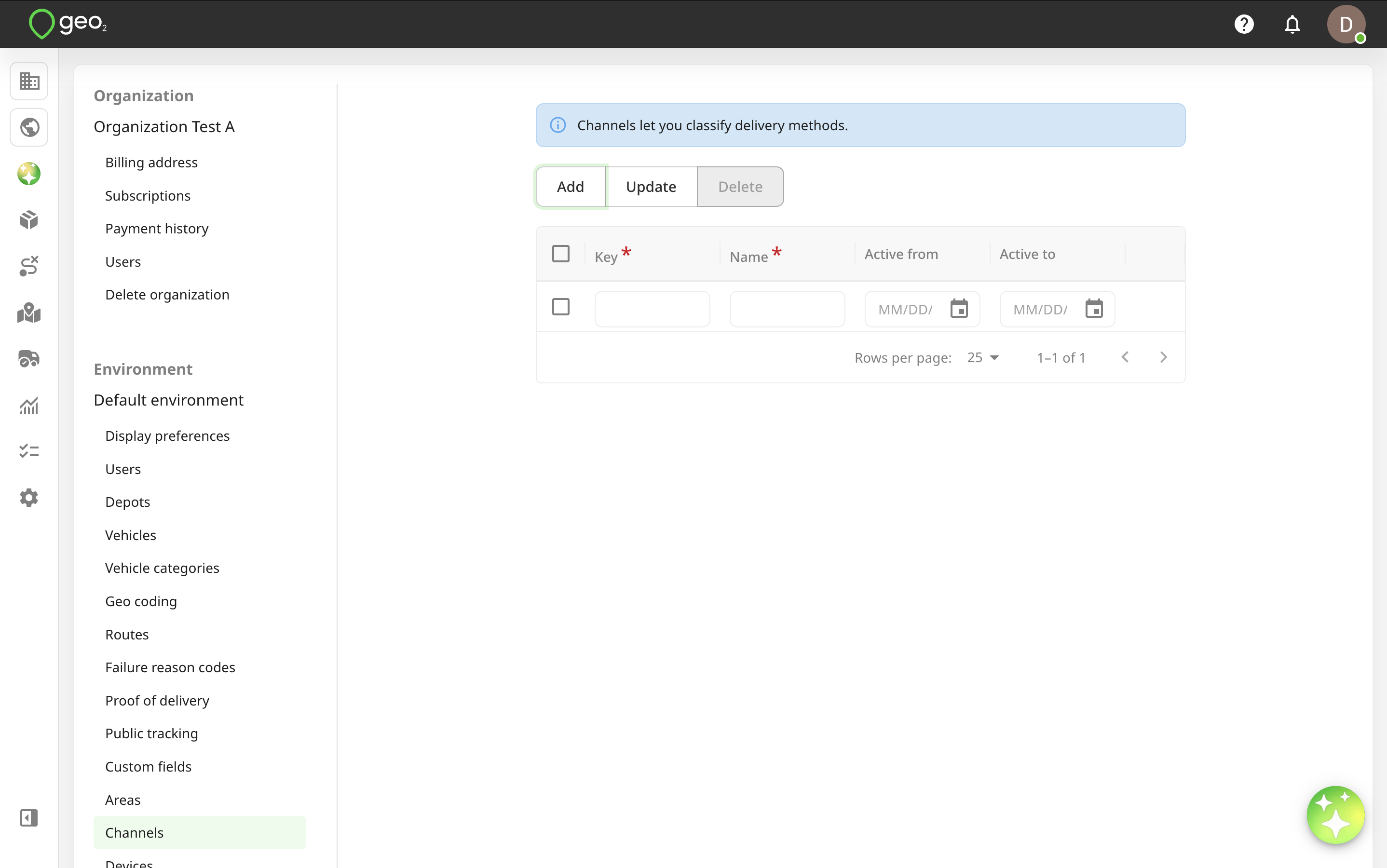
You will see the form to fill in the information. Key and Name fields are required.
| Property | Description |
|---|---|
| Key | Channel identifier that is required to be unique within the environment, e.g. Channel ABC. |
| Name | User-definable name that is used to display channels for an order creation, e.g. Own fleet. |
| Active from/to | Set up Active from/to dates if you want to limit the period during which the channel can be used. |
A blank value for one of these fields means no limit. Press the Update button to save changes.
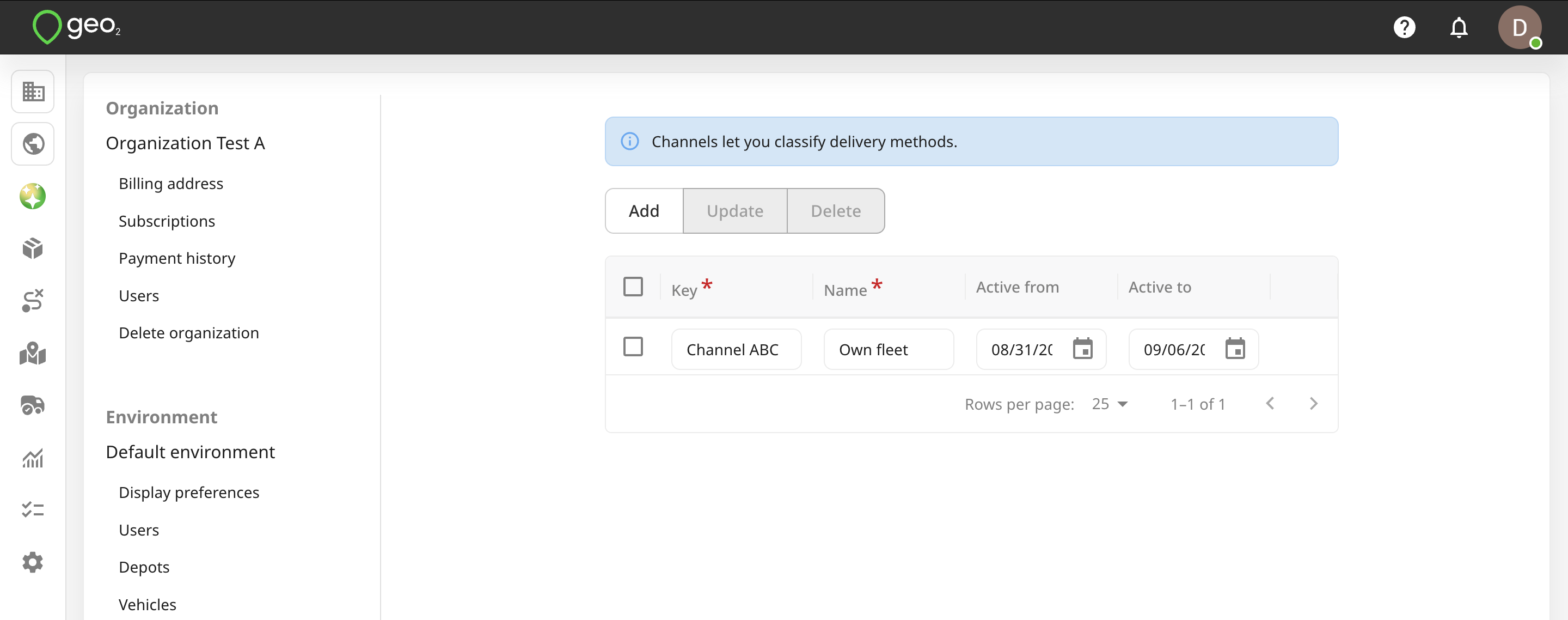
To edit channel information, click the Edit (pencil) icon in the channel row. Remember to press the Update button.
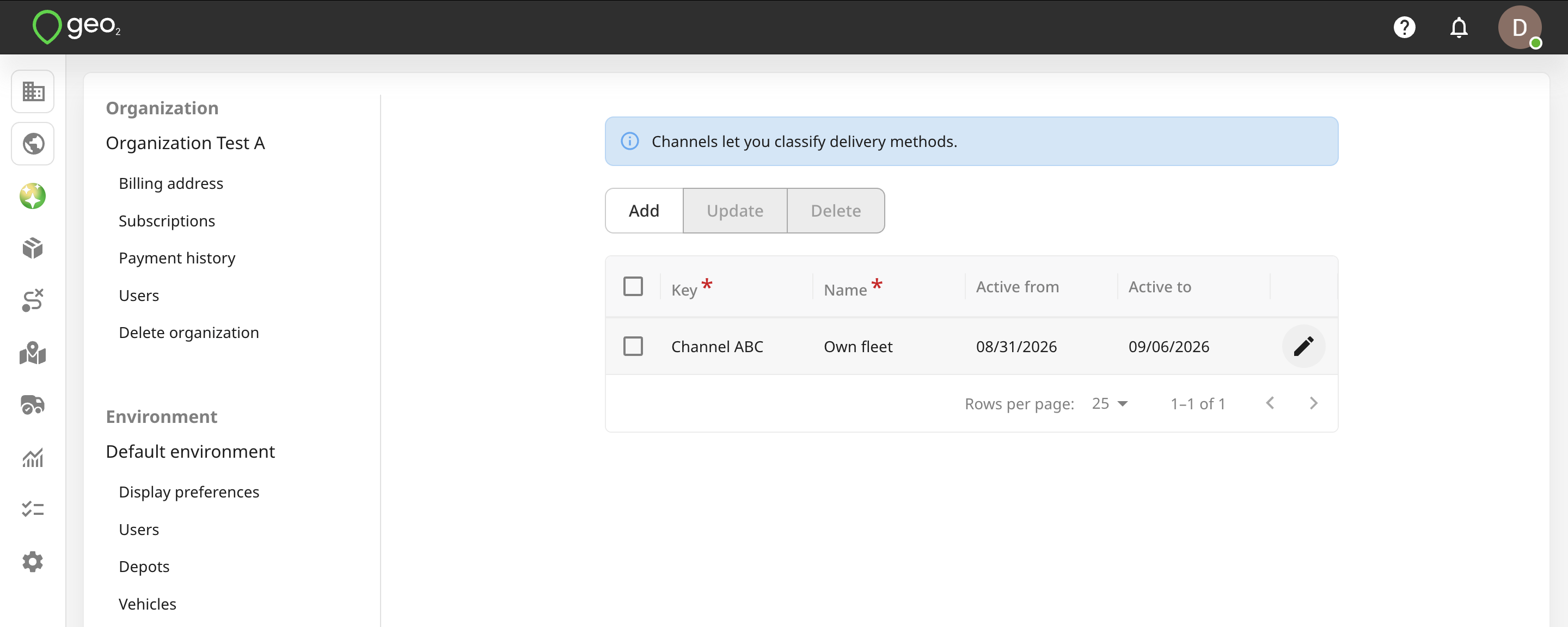
You can select a channel to Delete it. For data integrity, it is best to not delete a channel once it has started to be used.