Hub: AI Assistant
Introduction
Managing delivery operations often involves repetitive actions, switching between pages, and spending time searching for the right information or feature. Geo2 AI Assistant helps simplify this work by letting you interact with Geo2 using natural language in both text and voice mode.
You can use AI Assistant to:
- Create new routes and update existing ones
- Add stops to your current route
- Import stops from photos, screenshots, and PDFs
- Move stops between routes
- Optimize routes with or without required stop time windows
- Add, edit, and delete breaks
- Start and complete routes
- Navigate to different areas of Geo2 Hub
- Get information about routes and stops (orders)
- Check which routes are planned for today
- Get step-by-step guidance on using Geo2 features
Instead of navigating through multiple screens or performing routine actions manually, you can simply ask Geo2 AI Assistant for what you need.
This helps reduce manual work, complete tasks faster, find information more easily, and keep daily delivery operations running smoothly.
| What you can do | Example promts |
|---|---|
| Create new routes and update existing ones | “Create a new route for tomorrow at 8 AM.” “Create a route called Morning Deliveries.” “Change tomorrow’s route start time to 9 AM.” “Assign John to Route 123.” “Release all routes planned for tomorrow.” |
| Add stops to your current route | “Add a stop at 200 E 12th St, Kansas City, MO.” “Add Union Station Kansas City to Route 123.” “Add these three addresses to my current route…” “Add a delivery stop for John Smith at 1100 Main St, Kansas City, MO.” |
| Import stops from photos, screenshots and PDFs | “Add these addresses to my route.” (attach a photo or screenshot) “Create stops from this delivery list.” (attach a PDF) “Import the addresses from this screenshot.” |
| Find information about routes and stops (orders) | “Which route is order #5482 on?” “Has this order been delivered?” “Who is the driver for Route 123?” |
| Move stops between routes | “Move stop 5 from Route 123 to Route 456.” “Move these three stops to John’s route.” “Move all undelivered stops from Route 123 to a new route tomorrow at 8 AM.” |
| Optimize routes with or without required stop time windows | “Optimize Route 123.” “Optimize Route 123 considering required times.” “Optimize this route without considering required stop times.” |
| Add, edit and delete breaks | “Add a 20-minute break after stop 8.” “Change the break duration to 45 minutes.” “Delete the lunch break.” |
| Start and complete routes | “Start Route 123.” “Start all routes assigned to John today.” “Complete Route 123.” “Mark this route as completed.” |
| Navigate within Geo2 Hub | “Open Orders.” “Take me to Vehicle settings.” “Where can I manage users?” “Open the Routes page.” “Take me to subscription settings.” |
| Get information about planned routes | “What routes are planned for today?” “Show me today’s routes.” “Which routes are planned for tomorrow?” “Show me John’s routes for today.” |
| Get information about route progress and delivery status | “How many stops are completed on Route 123?” “Which stops are still pending?” “Which deliveries failed today?” “Show me completed orders from Route 123.” |
| Get step-by-step guidance on using Geo2 Hub | “How do I create a route?” “How can I import orders from Excel?” “How do I assign a driver to a route?” “How can I add a required delivery time?” “How do I invite another user to my organization?” |
AI Access Points
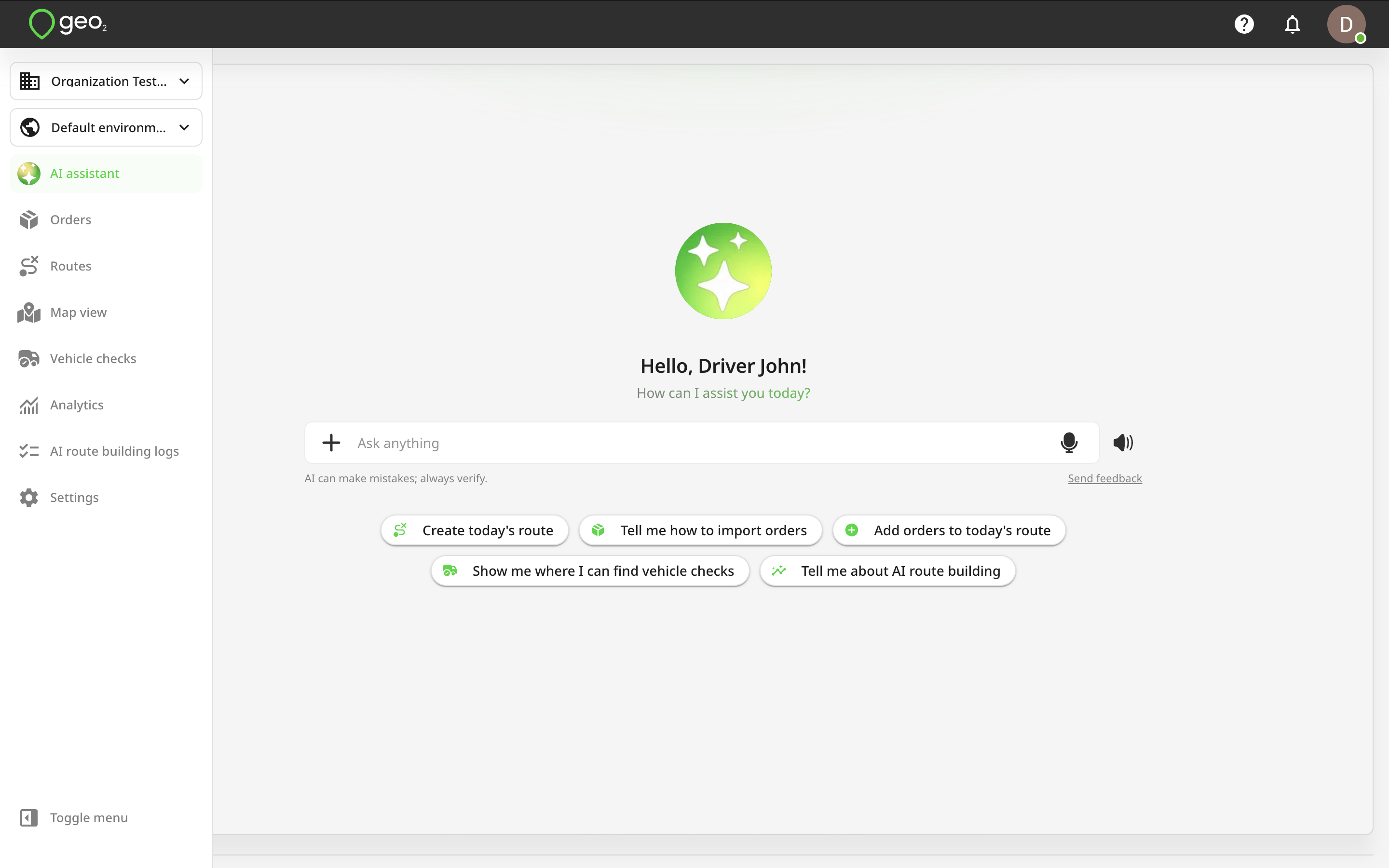
You can access the AI assistant by clicking the AI assistant button in the menu, which opens the dedicated AI assistant page.
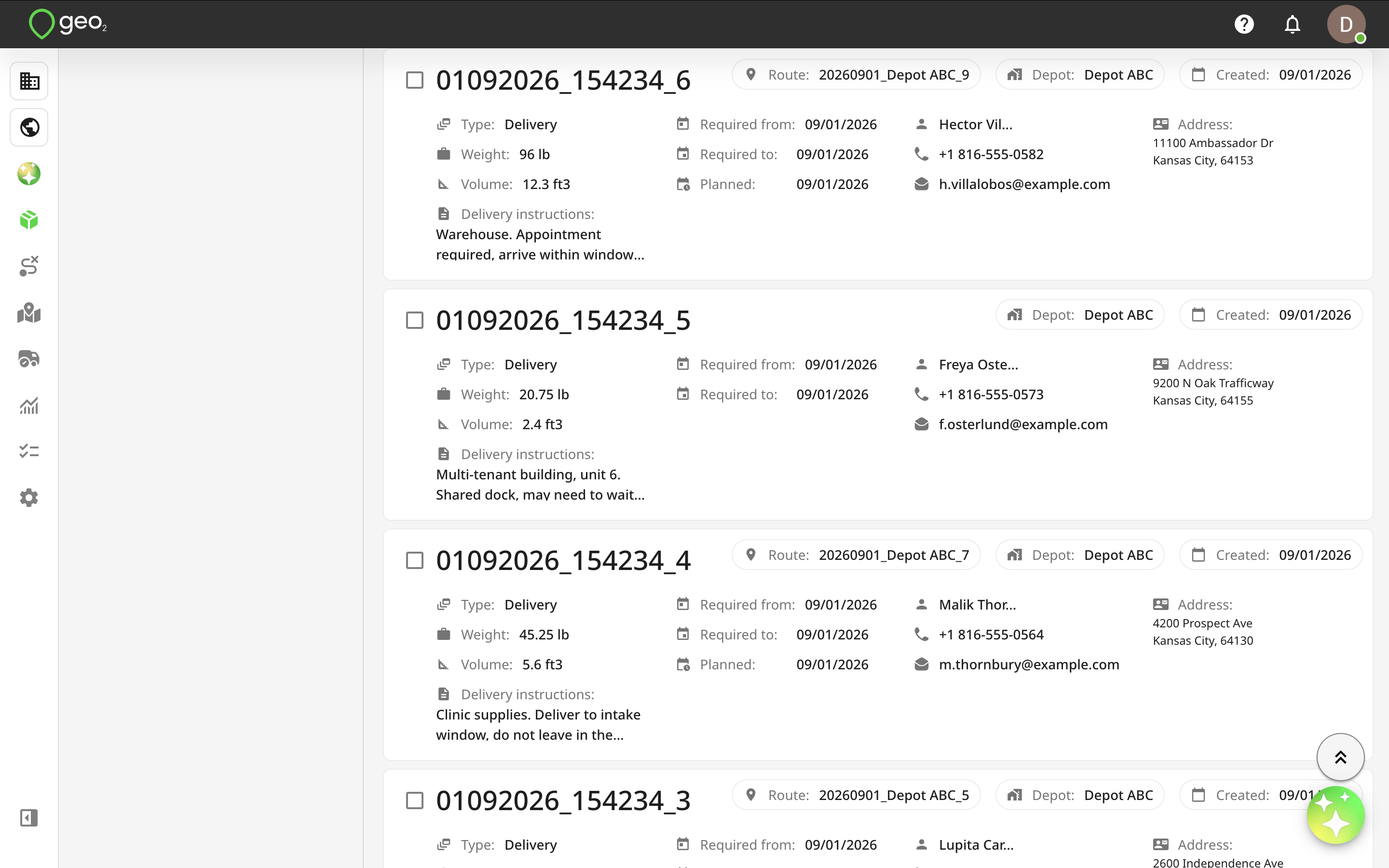
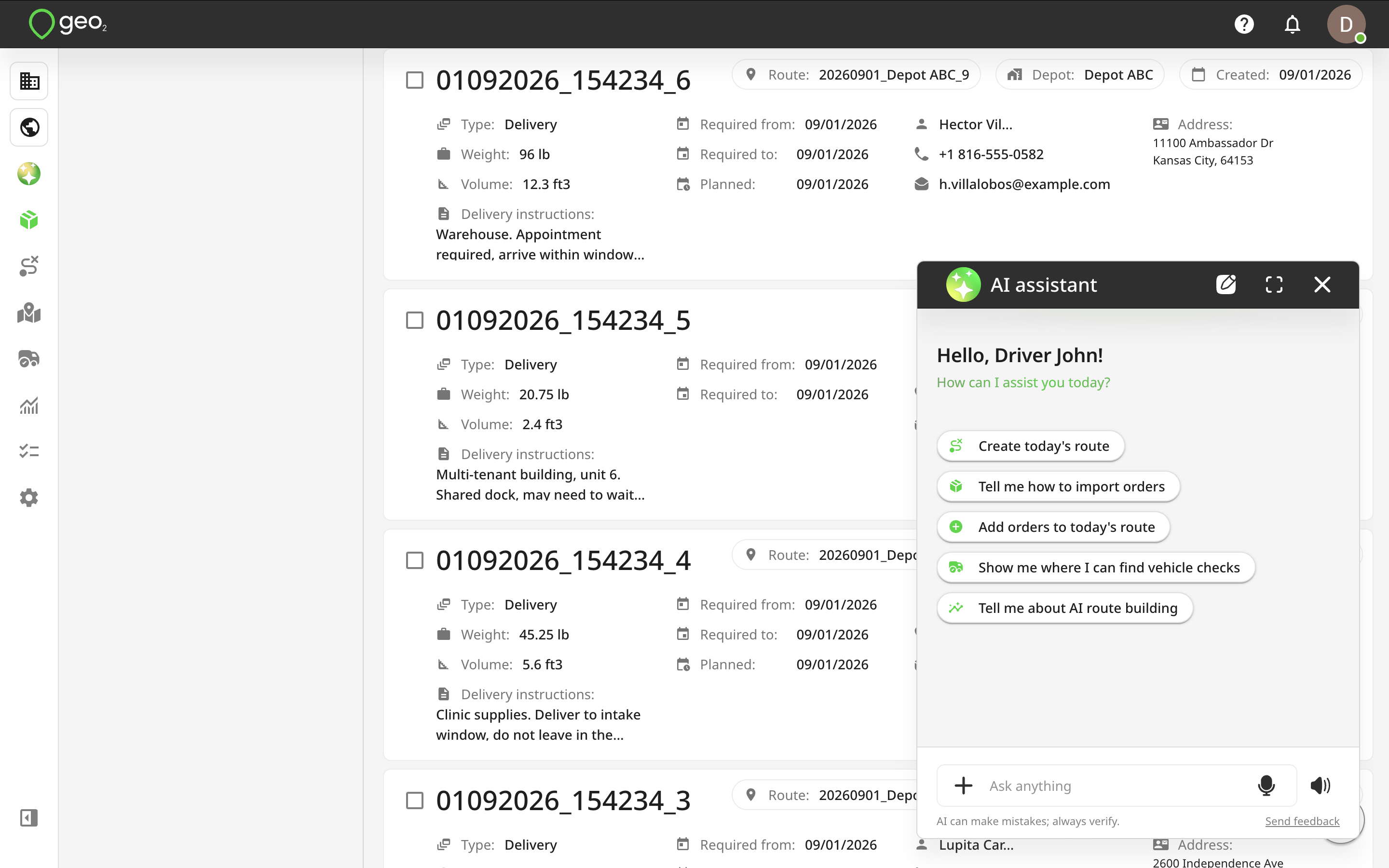
It is also available via the AI icon located in the bottom-right corner of each page. The assistant appears as a small dialog window, with the option to expand it to full-screen view.
AI Assistant Interface
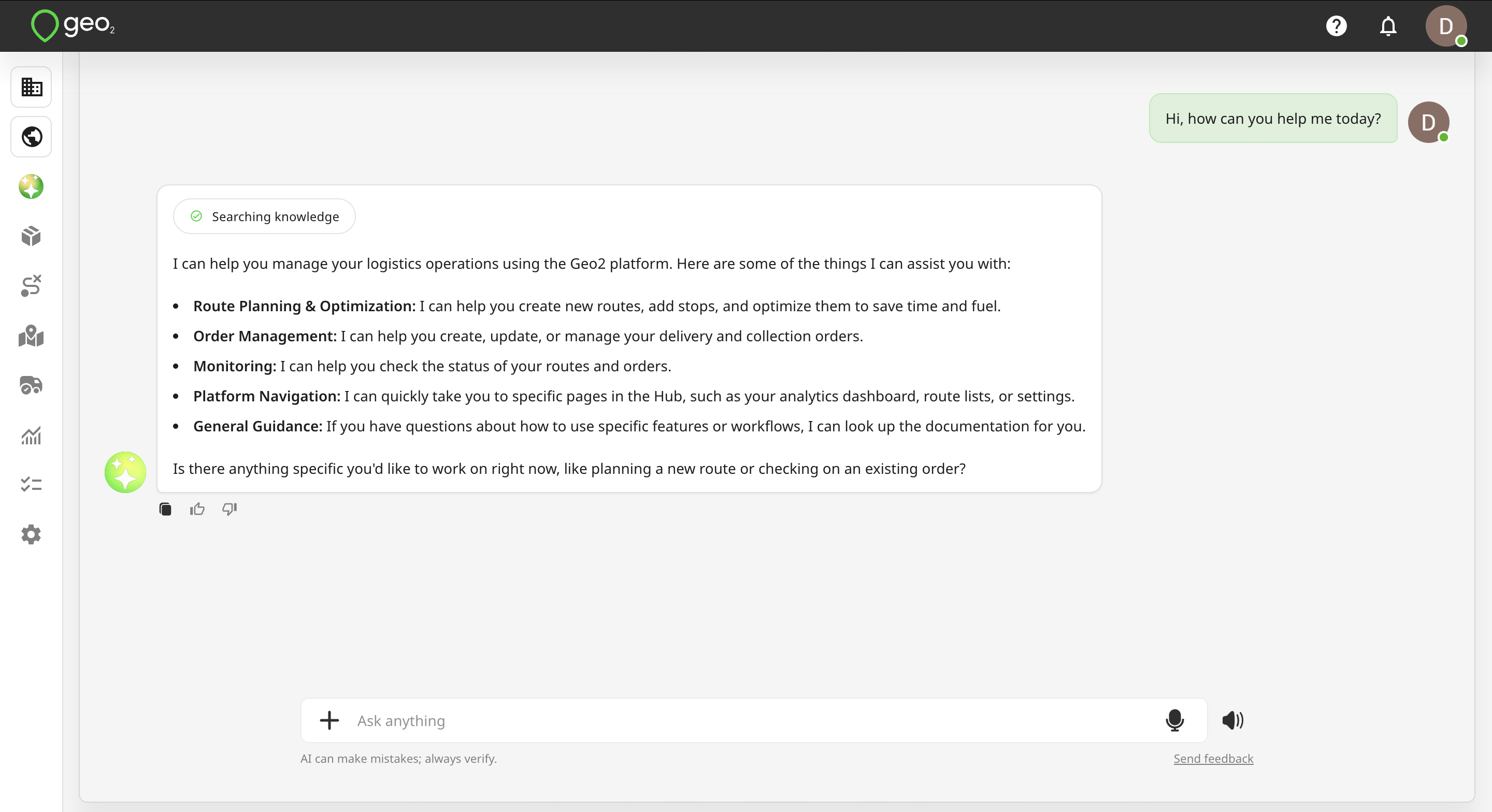
The input field "Ask anything" allows manual typing, voice input, or selection from suggested options below. To submit a typed request, press Enter or click the Send icon.
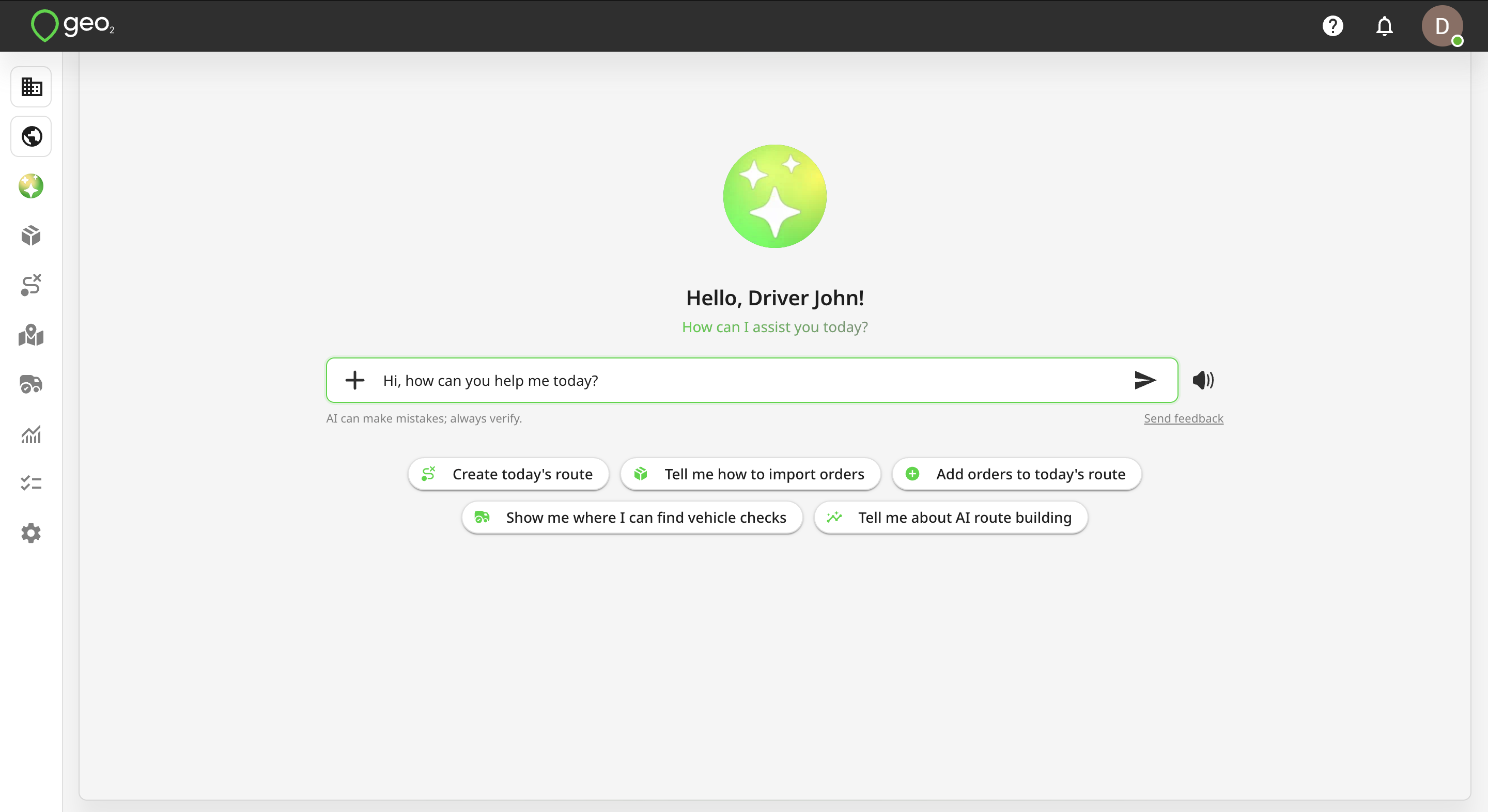
To use voice input, click the Mic icon inside the “Ask anything input field and grant microphone access to dictate your request.
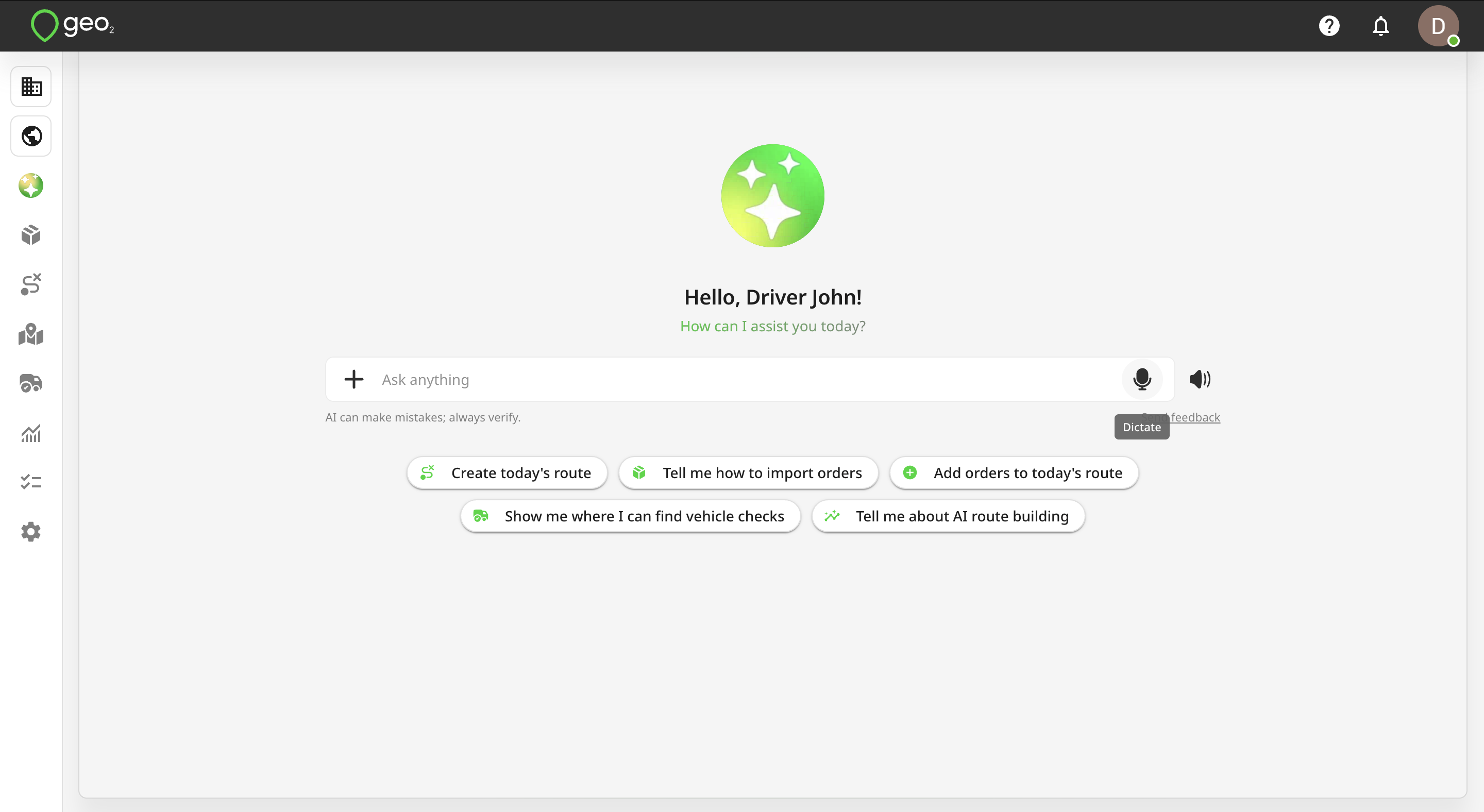
After dictating your request, press the Tick icon to finish. The system will transcribe your voice to text, which will appear in the input. If correct, press the Send icon to send the message.
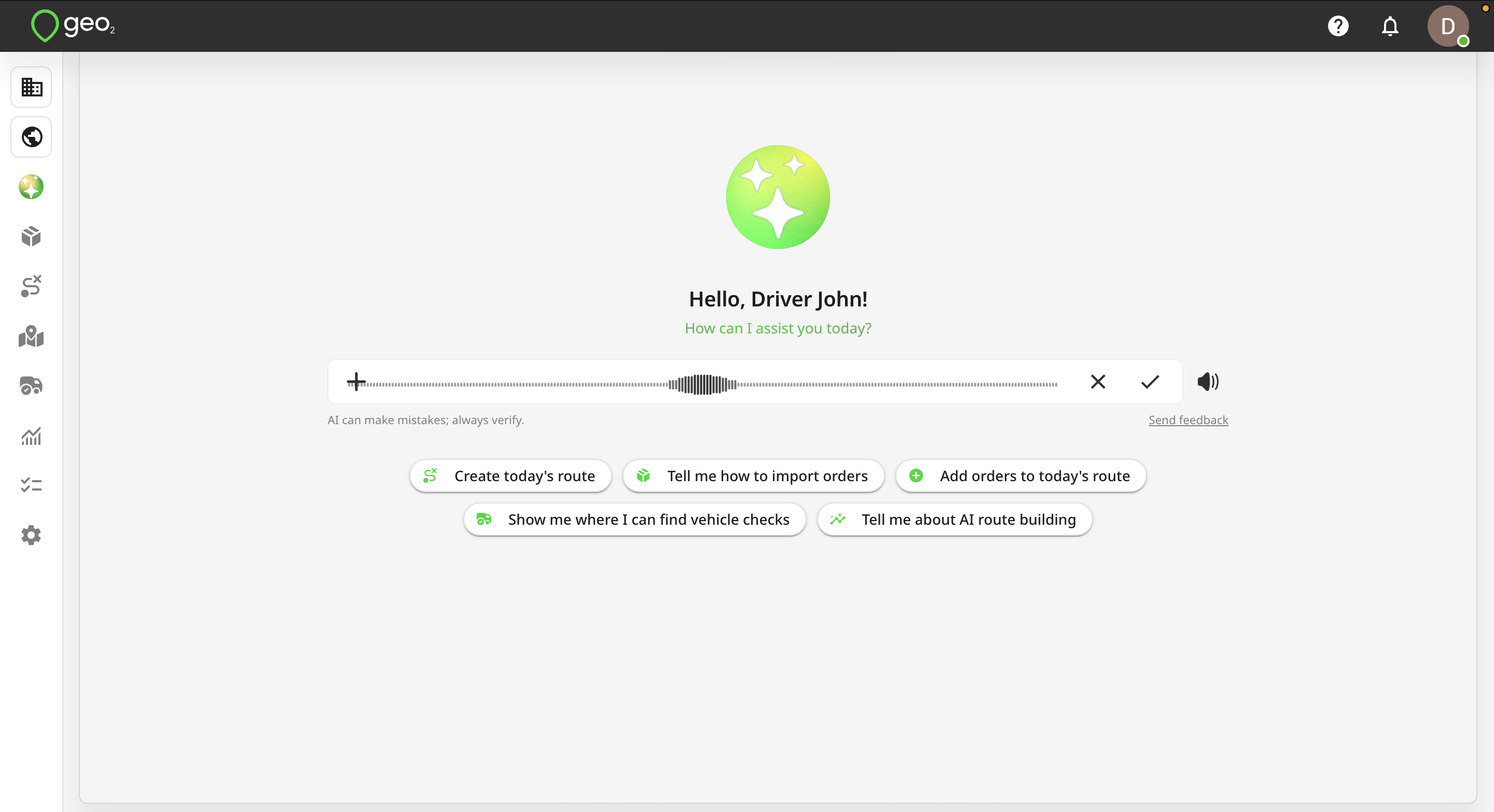
Your message appears in green, while AI assistant replies appear in grey.
AI Assistant Voice Mode
Geo AI Assistant supports voice mode in Geo2 Hub, allowing you to speak your requests and hear the Assistant’s responses. Voice mode provides the same AI capabilities as text mode while making it faster and more natural to interact with Geo2. You can use voice mode to create and manage routes, add stops, find information, navigate through Hub, and get guidance on using different features.
To start a voice conversation:
- Open AI Assistant in Geo2 Hub.
- Click the
speaker iconnext to the Ask anything field. - Voice mode will open and the AI Assistant will greet you.
- Start speaking your request.
The voice mode button is always available, so you can switch from text to voice at any time. When voice mode starts, Geo AI Assistant will greet you with a message similar to:
“Hi, ! I’m glad you’re here. You can speak your request. I can plan your route for today, add stops, guide you through Hub, or explain how things work. How can I help?”
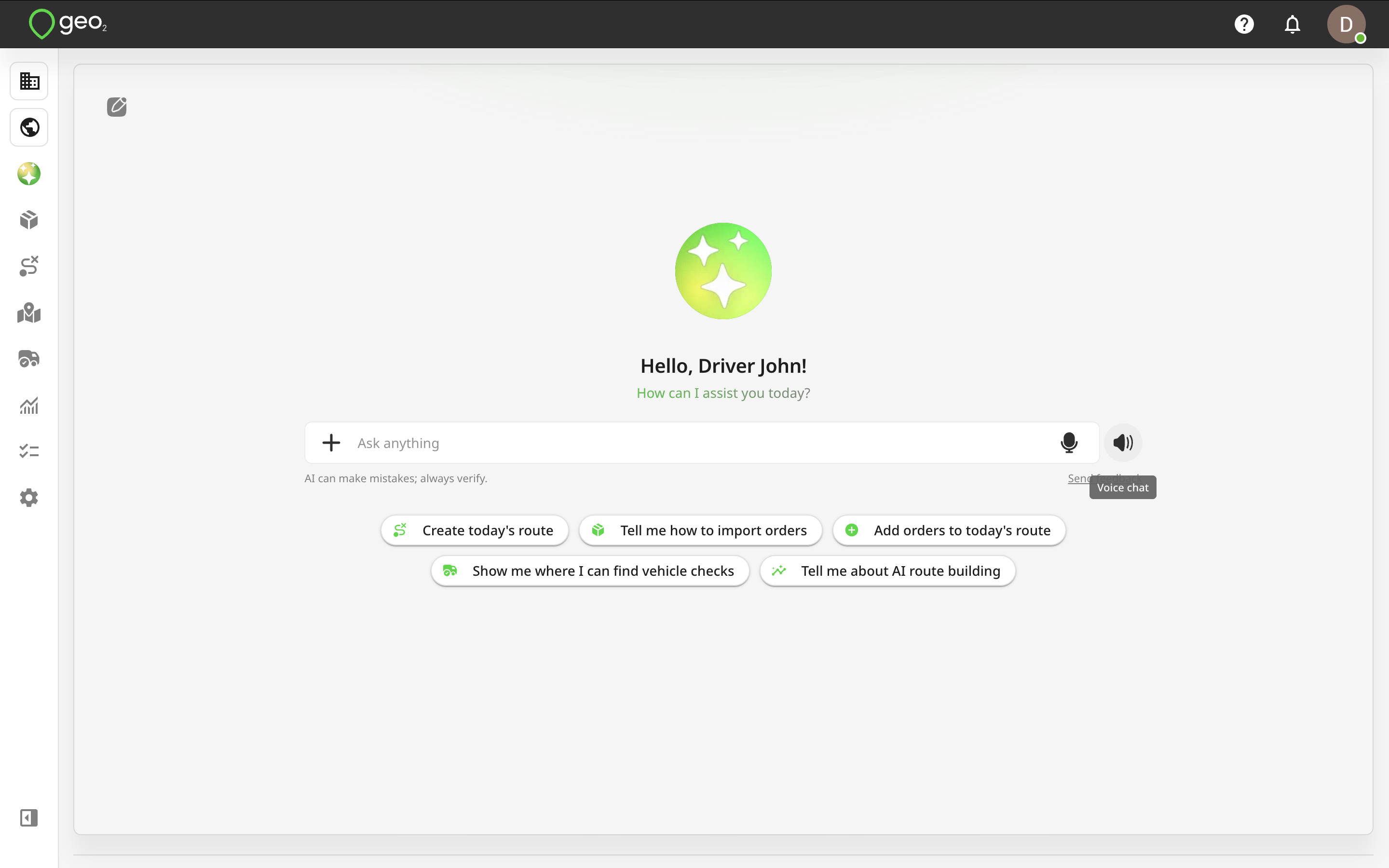
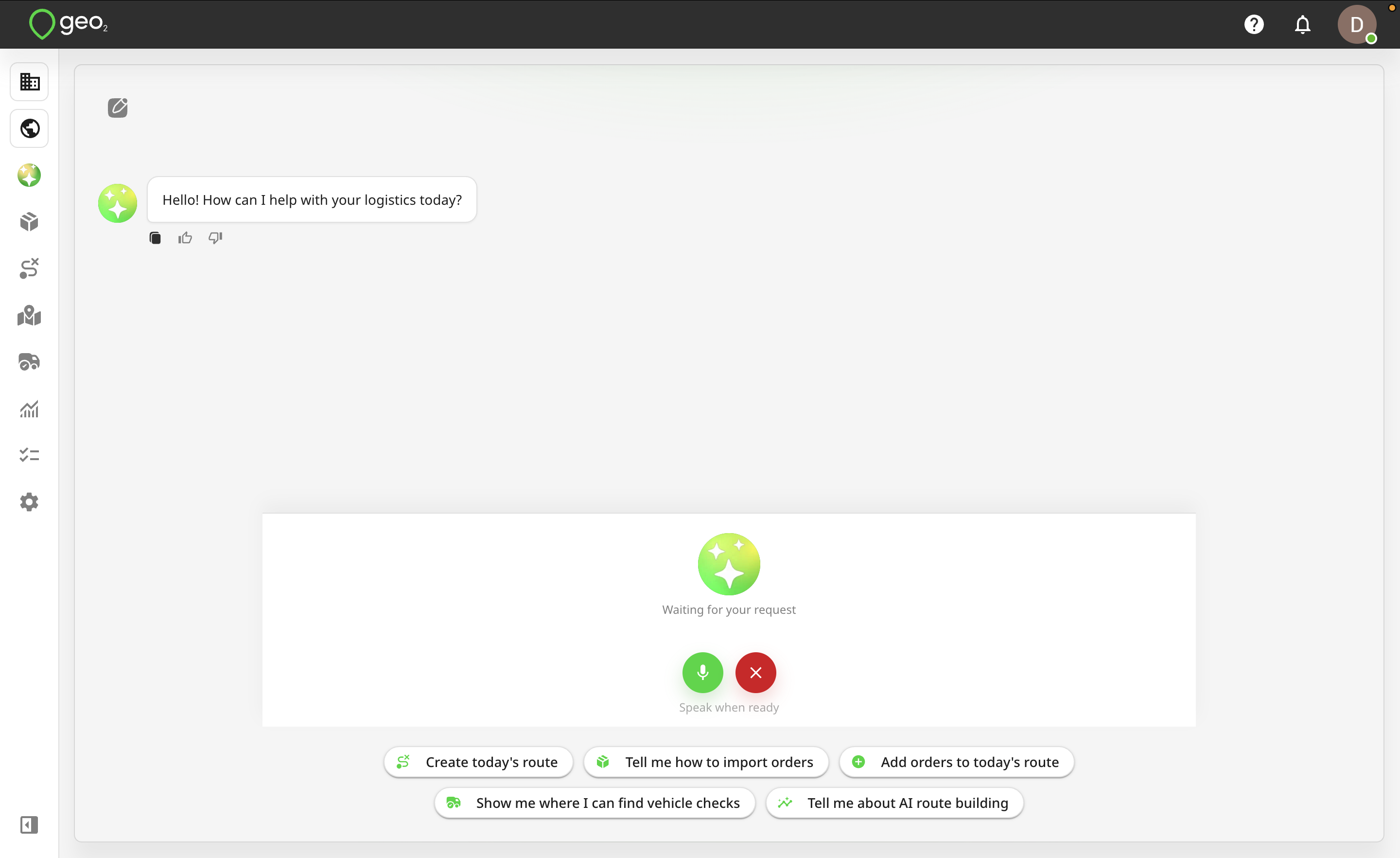
In voice mode, the Ask anything field is replaced with voice controls. Use the microphone icon to turn your microphone on or off. When the microphone is enabled, simply speak your request. Geo AI Assistant will process what you say and respond using voice.
For example, you can say:
- “Create a new route for tomorrow at 8 AM.”
- “Add a stop at 200 E 12th St, Kansas City, MO.”
- “Optimize Route 123 considering required times.”
- “Who is the driver for Route 123?”
- “Show me the routes planned for today.”
- “Take me to Vehicle settings.”
- “How do I import orders from Excel?”
You can continue the conversation naturally and ask follow-up questions without leaving voice mode.
You can also select one of the suggested requests displayed in AI Assistant. When you select an example while using voice mode, the request is sent to Geo AI Assistant as part of the current voice conversation. The Assistant will process the request and respond using voice.
Geo AI Assistant can navigate you to different pages in Geo2 Hub when completing your request. For example, you can say:
- “Open Orders.”
- “Take me to the Routes page.”
- “Open Vehicle settings.”
- “Show me Route 123.”
If your request requires opening another page, Geo2 will navigate you to the relevant page while keeping the AI Assistant conversation available, so you can continue interacting with the Assistant.
This also applies when you start your request from the full AI Assistant page. If completing the request requires navigating elsewhere in Hub, Geo2 opens the relevant page while keeping your AI Assistant conversation active.
To stop voice mode, click the Close icon. You will return to the standard AI Assistant, where you can continue the conversation using text. Your existing AI Assistant conversation remains available when switching between text and voice modes.
Geo AI Assistant can recognize spoken requests and respond in supported languages. When possible, the Assistant responds in the same language you use when speaking to it. Speech recognition and voice availability may vary depending on the supported language.
Limitations
The AI assistant is available to users of all levels. However, Free and Pro users are limited to 10 requests per day, while users with Advanced and Enterprise subscriptions have no restrictions on the number of requests.
The AI assistant is available to all organization and environment User Roles, with access tailored by user permissions. For example, a user with the Environment User role cannot access Settings page or create and update routes and orders. However, they can still use the assistant to get guidance on tasks such as locating their assigned routes, recording a POD, or creating a vehicle check within the app.
Order and route creation via the AI assistant is available to users across all subscription levels. However, Free and Pro users can only create one order at a time, while bulk operations are reserved for Advanced and Enterprise users.