Mobile App: Forgot Password
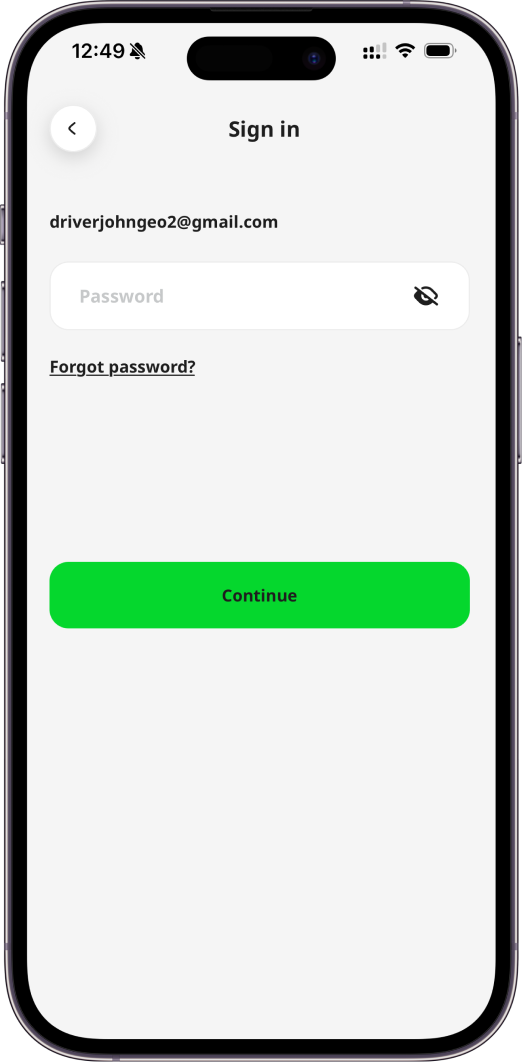
If you have forgotten your password and cannot sign in successfully using your email address, follow the link Forgot password? on Sign in page. This will enable you to reset your Geo2 password.
You will see a prompt for you to check your inbox for a verification code sent to the provided email address. You need to copy the code and paste it to the form in the mobile app:
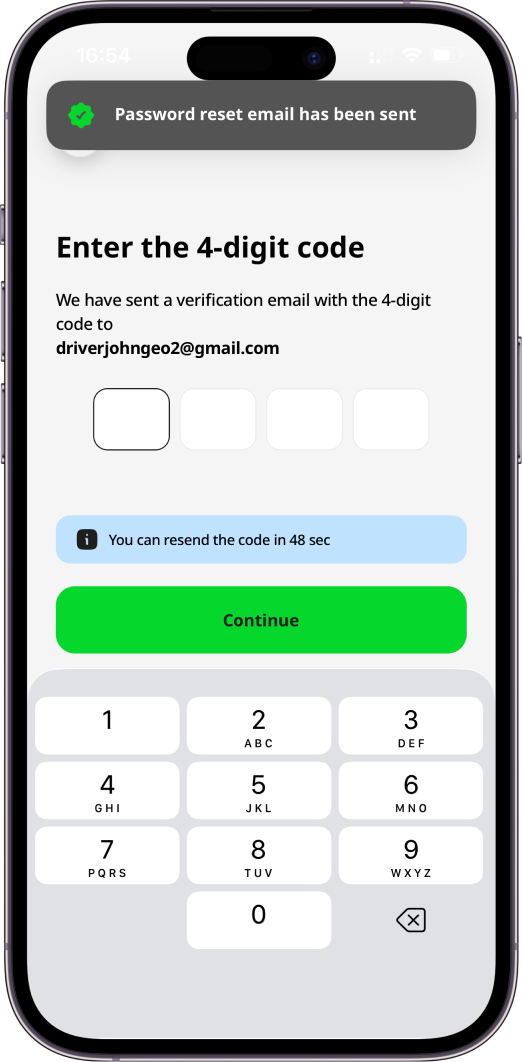
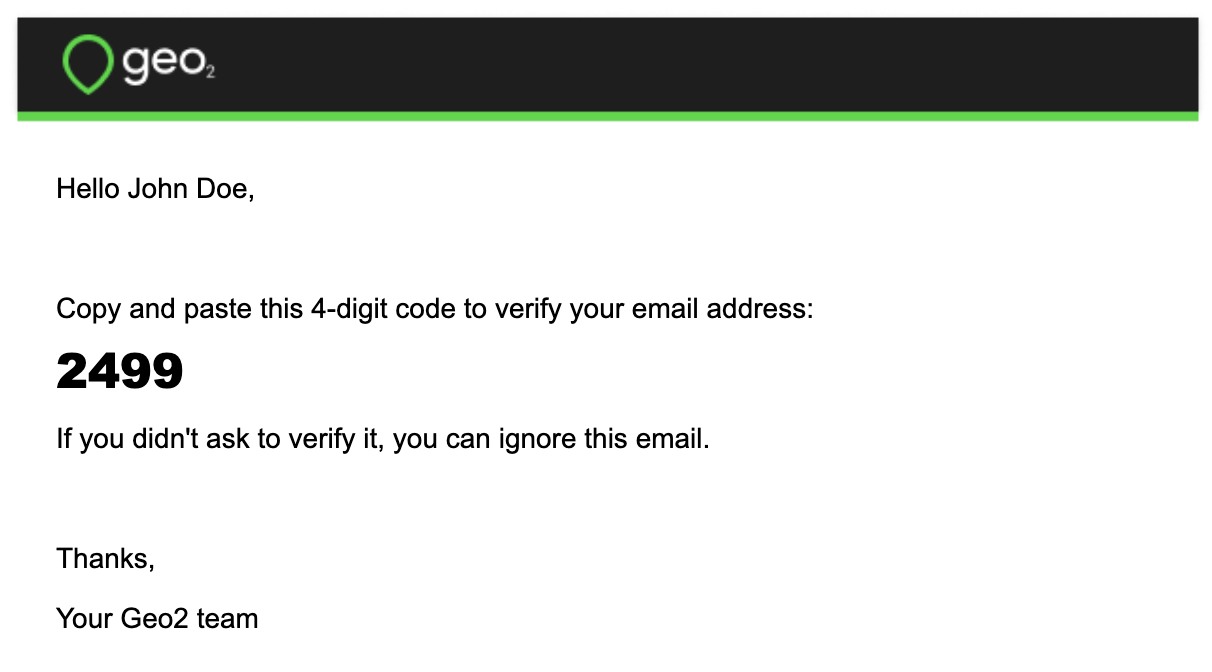
If you have not received an email with a verification code, press the Resend email button in a minute, and a new code will be sent. Once your email is verified, you can set a new password. Your password has to contain at least 8 characters, 1 uppercase and lowercase, 1 number, and 1 special character ( ^ $ * . [ ] { } ( ) ? " ! @ # % & / \ , > < ' : ; | _ ~)
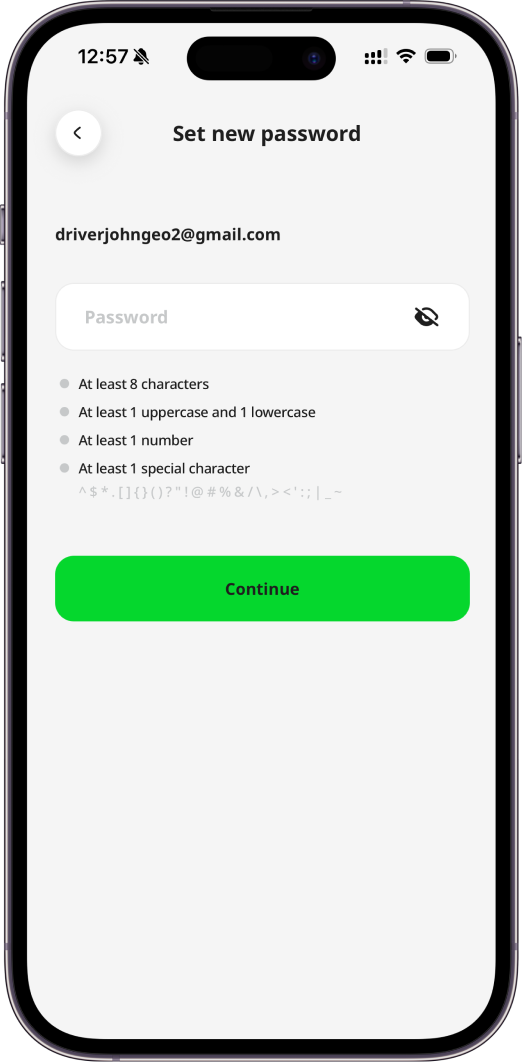
By pressing the Continue button, you will be logged in and redirected to Main page, your password will be saved. A confirmation will appear:
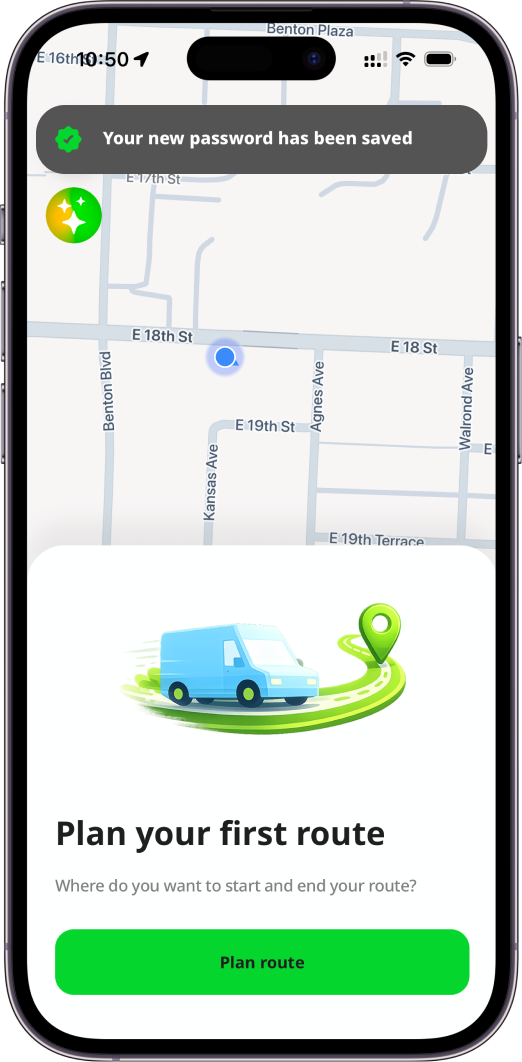
You can use it to sign in to the mobile app.